
Parents worry about students’ screen time. Midlands school app could shut it off
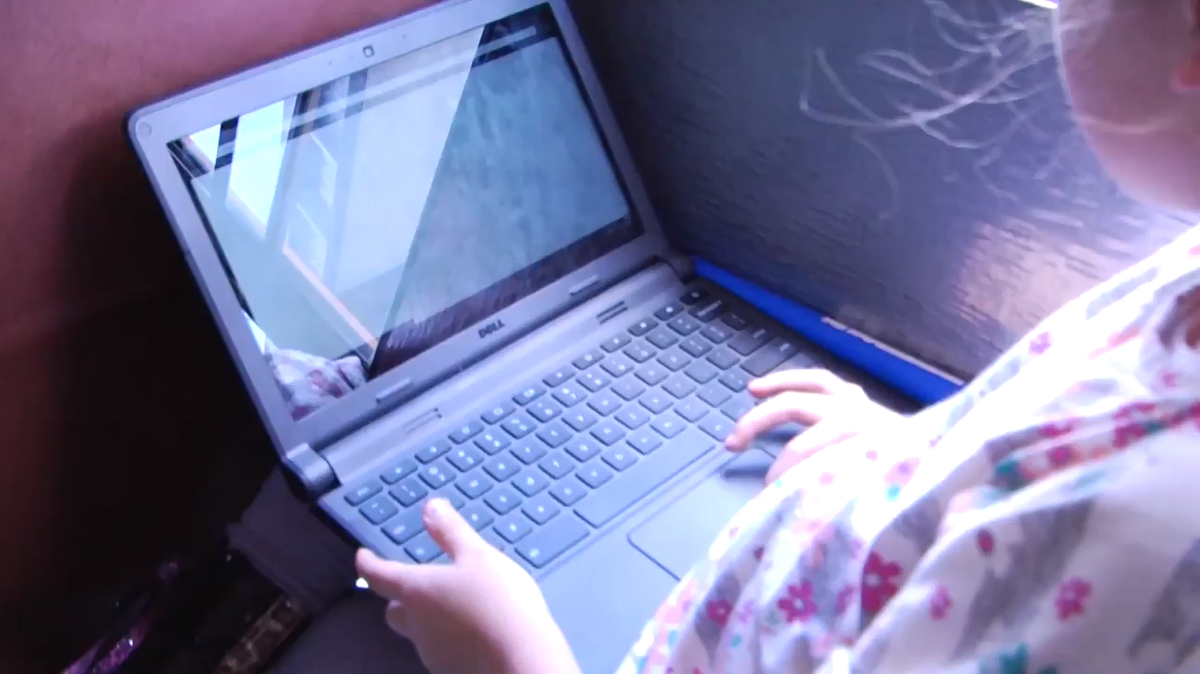
As one Midlands school district looks into how much time its students spend online, a new app is being rolled out that will allow parents more say in their children’s screen time.
Lexington-Richland 5 will soon introduce iBoss, an application that allows parents to monitor how their child uses their school-issued Chromebook in real time, and to switch off a device’s ability to connect to the internet during non-school hours.
The app is already installed on the Chromebooks that Lexington-Richland 5 students take home from school each day, District Technology Director Kendrick Davis told members of the school board at a meeting on Monday.
Using iBoss, a parent will not only be able to monitor the use history of their child’s device, they will even be able to see how the Chromebook is being used in real time, including visits to any sites that aren’t school-related. The app will also allow parents to set a time at which the device will no longer be able to connect to the internet, directly controlling how long their child is able to be online.
“It’s not going to be for everyone, but for those who do want it, they will have the option,” Davis said.
District Superintendent Akil Ross will launch the app in a virtual “Lunch and Learn” meeting with parents on May 14, where he will walk parents through downloading and setting up an iBoss account for their child’s Chromebook.
The rollout is meant to reassure parents concerned about the widespread use of internet-connected devices for lessons in a modern classroom. Worries about students’ screen time led to the creation of a Chromebook committee currently studying more changes to the district’s technology use.
That committee is hoping to survey district parents to see how their children currently use Chromebooks. The Lexington-Richland 5 school board voted Monday to ask the Arnold School of Public Health at the University of South Carolina, which has researched student screen time and learning outcomes, to help draw up an outside survey on Chromebook use.
The motion passed 5-1, with Mike Satterfield voting against after expressing skepticism of what a survey could tell the board that the district doesn’t already know about its Chromebook policy.
“If 55% say they don’t want Chromebooks, would you recommend we take them out of classrooms?” Satterfield said. “I don’t know that parents are going to have an accurate understanding of how much they use it in school.”
But Catherine Huddle, who chairs the committee, said parents have legitimate concerns about how dependent on technology their students have become.
“It’s so pervasive, and it kind of happened accidentally,” she said. “It was a reaction to COVID.”
At the same time, the S.C. Department of Education is researching how devices are being used in schools, as part of a program looking at reducing students’ screen time related to school work. State Superintendent Ellen Weaver has compared that effort to a state policy restricting students’ access to their cellphones at school that was adopted last year.
A parent using iBoss will be able to set a time for the device to disconnect after school, although the device will need to be usable for a child to complete assignments during the school day. Parents won’t be able to switch off the devices during those hours, and while parents can see what their child is doing using the app, Satterfield said parents shouldn’t be contacting teachers during class time because “a child is off-task in English and looking at ESPN.”
“We don’t want teachers responding in real time during class,” Satterfield said. “This shouldn’t interrupt instruction.”
.jpg)